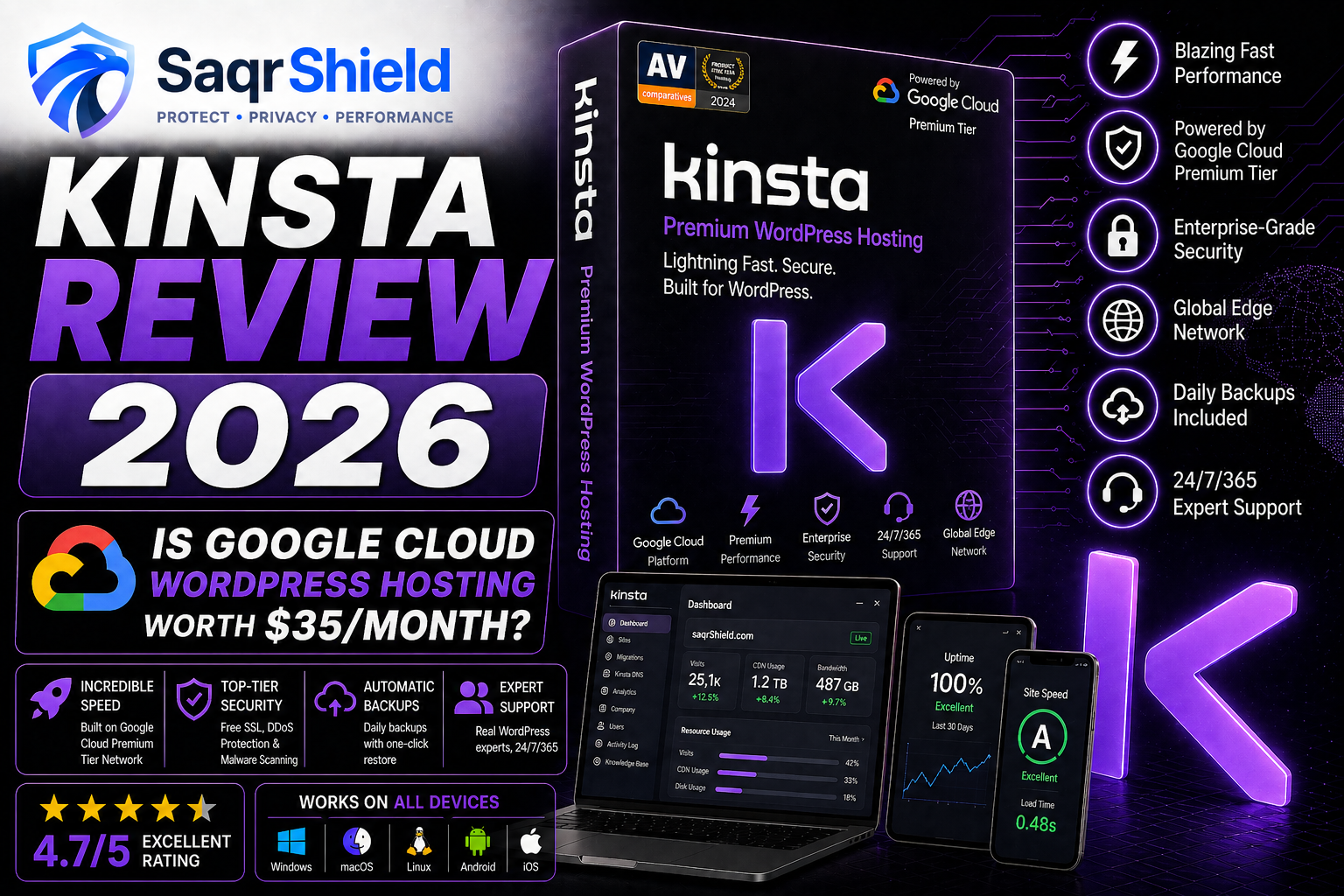
Kinsta is the hosting company that managed WordPress providers benchmark themselves against. Founded in 2013, built on Google Cloud Platform, and trusted by over 120,000 customers across 128 countries — it has earned its reputation through consistent performance and support quality rather than marketing. This review answers the question that matters: is it worth $35 a month, and for whom?
What "managed WordPress hosting" actually means
Standard shared hosting gives you server space and a control panel. What you do with WordPress — updates, security, optimization, backups, troubleshooting — is your responsibility. Managed WordPress hosting is a different product: the hosting provider takes responsibility for the technical layer. With Kinsta specifically, this means:
- Automatic WordPress core updates
- Server-level caching configured for WordPress performance
- Daily backups with one-click restore
- Malware scanning and free removal if anything is found
- A hack guarantee — if your site is compromised while hosted with Kinsta, their team fixes it at no charge
- Performance monitoring built into the dashboard
- Support from people who understand WordPress at an engineering level
You pay more. You get more — and more importantly, you get your time back. One agency customer Kinsta surveyed reported saving two hours per day in site administration after migrating their client portfolio to Kinsta. For an agency billing at $100/hour, that is $200/day in recovered capacity — the hosting cost pays for itself in the first hour of the first working day.
The infrastructure: why Google Cloud matters
Google Cloud Platform's C2 compute-optimized instances are designed for high-performance, latency-sensitive workloads. The key specifications relevant to WordPress performance:
- 3.8 GHz Intel Cascade Lake processor — single-thread performance that matters for PHP execution
- Local SSD storage — faster than the network-attached storage most shared hosts use
- Google's private fiber network — traffic routes over Google's own backbone rather than the public internet, reducing intercontinental latency significantly
- 27 data center regions — choose the location closest to your primary audience
Each WordPress site runs in its own Linux container — isolated CPU, isolated memory, isolated storage. Another customer's traffic spike is invisible to your site. Another customer's compromised site cannot reach yours. This isolation is why Kinsta can offer a consistent performance promise that shared hosting cannot.
The CDN: Cloudflare Enterprise, not shared-tier
Kinsta includes Cloudflare Enterprise CDN on all plans — the same tier Fortune 500 companies use, delivered to every Kinsta customer from the $35/month plan upward. 300+ points of presence worldwide means cached assets are served from near your visitor's location regardless of where your primary data center is. Combined with HTTP/3 support and edge caching, this CDN configuration handles a significant share of the page load performance that customers notice when they migrate to Kinsta.
MyKinsta: the dashboard built for WordPress
MyKinsta is the interface through which you manage everything — and it is the best hosting dashboard in the WordPress hosting category. It is purpose-built for WordPress rather than being a generic hosting control panel with WordPress-specific add-ons. Features accessible in the dashboard:
- Site creation, cloning, and deletion
- PHP version selection (7.4 through 8.5, including the latest 8.5)
- Cache clearing and cache exclusion rules
- Redirect management with regex support
- CDN toggle and cache status
- Geolocation blocking by country
- Environment variables
- Process manager (view and kill PHP processes)
- Error log viewer
- Built-in APM — visualize PHP execution time, database queries, and external HTTP requests without plugins
- Analytics — unique visitors, bandwidth, cache hit rate, geographic distribution, PHP speed
The staging environment deserves specific mention. Every plan includes at least one staging environment — a complete clone of your live site in an isolated environment. Deploy a plugin update, test a theme change, or modify functions.php without touching your live site. When you are satisfied, push the staging changes to production with one click — with selective push (push only files, or only database, or both) on higher-tier plans.
Support: the real differentiator
Kinsta's support team is staffed exclusively with WordPress engineers. Everyone on the team can read PHP, diagnose WooCommerce issues, interpret MySQL slow query logs, and resolve plugin conflicts without escalation. Support is available 24/7 via live chat — the same channel regardless of your plan tier, with no tiered response times for lower-paying customers.
Kinsta is rated the best WordPress host on G2, based on verified customer reviews from real businesses. The support category consistently receives the highest individual rating. This is unusual — most hosting companies receive high marks for price and low marks for support. Kinsta's support is what keeps customers on the platform long-term.
Security: the hack guarantee
The hack guarantee is worth understanding because it is unusual. Kinsta guarantees that if your site is hacked while hosted with them, they will fix it for free — no additional charge, no investigation of blame. This is a financial commitment to their own security practices. If their infrastructure were routinely compromised, the guarantee would be expensive. The fact that they offer it confidently reflects the security depth of the platform: Cloudflare Enterprise DDoS protection, automatic malware scanning, IP geolocation blocking, two-factor authentication on the dashboard, and container isolation that prevents cross-contamination.
Kinsta vs Hostinger vs ChemiCloud: the honest comparison
| Criterion | Kinsta | ChemiCloud | Hostinger |
|---|---|---|---|
| Infrastructure | Google Cloud (isolated) | Shared LiteSpeed | Shared LiteSpeed |
| CDN | Cloudflare Enterprise (300+) | Cloudflare (standard) | Cloudflare (standard) |
| WordPress type | Fully managed | Self-managed | Self-managed |
| Staging | Included all plans | Pro+ plans | Business+ plans |
| Backup retention | 14–30 days | 30 days | 7 days |
| Support quality | WordPress engineers | Technical team | General agents |
| Hack guarantee | Yes | No | No |
| Entry price | $35/month | $3.95/month | $2.99/month |
| Best for | Business, WooCommerce | Developer, global | Budget, beginners |
The comparison is not which host is objectively better — it is which host fits your situation. Hostinger and ChemiCloud are excellent at what they do. Kinsta is a different product for a different need: specifically, WordPress sites where performance and reliability directly affect business outcomes.
Pricing: what you actually pay
Kinsta's entry plan is $35/month on monthly billing, or the equivalent of $30/month on annual billing (two months free). This covers one WordPress site with 35,000 monthly visits and 10GB storage. Plans scale based on the number of sites, visit allowance, and storage.
Add-ons worth knowing about: Redis object caching ($100/month), hourly backups ($100/month), external backups to S3/GCS ($50/month). These are genuinely useful for specific use cases — database-heavy WooCommerce stores for Redis, high-transaction sites for hourly backups — but they increase cost meaningfully. The base plan is clean and the add-ons are optional.
Renewal pricing is the same as the initial price — there is no promotional rate trap. You pay $35/month now and $35/month at renewal. This transparency is worth noting: budget hosts lure customers with $2.99/month introductory pricing and charge $10–15/month at renewal. Kinsta's price is higher but honest.
Who should choose Kinsta
- WooCommerce store owners — performance directly affects conversion rates. A 1-second improvement in load time has been consistently correlated with conversion rate improvements. Kinsta's infrastructure is specifically tuned for WooCommerce.
- Agencies managing client sites — the team management features, staging environments, and consistent support quality make Kinsta the platform of choice for agencies that value their reputation
- Business websites where downtime costs money — the 99.9% SLA, hack guarantee, and expert support mean downtime is rare and recovery is fast
- High-traffic WordPress sites — container isolation means traffic spikes are absorbed by your allocated resources, not affected by neighbours
Who should not choose Kinsta
- Personal blogs with low traffic and no revenue dependence — Hostinger or ChemiCloud are excellent and a fraction of the cost
- Non-WordPress sites — Kinsta only hosts WordPress
- Anyone whose primary criterion is the lowest monthly cost
Verdict
Kinsta is the best managed WordPress hosting product available. Google Cloud infrastructure, container isolation, Cloudflare Enterprise CDN, expert WordPress support, the hack guarantee, and MyKinsta's best-in-class dashboard justify the premium price for any business where the website is a business asset. The 30-day money-back guarantee gives you a genuine trial period. If you are running a WooCommerce store, an agency, or a business website where performance and reliability matter, Kinsta is the correct answer.