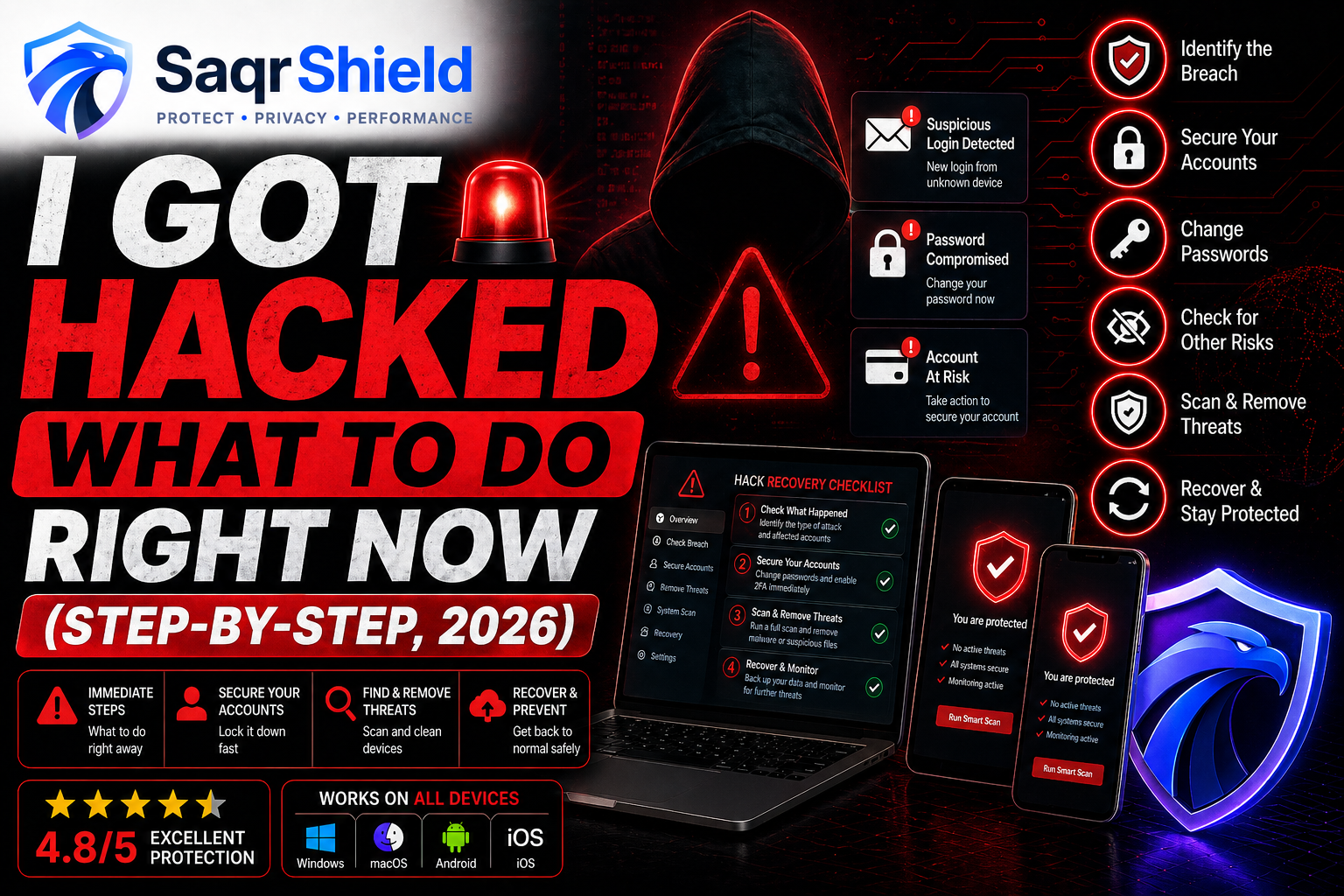
Finding out you have been hacked is alarming. But the damage is not always done. In the first 30 minutes after a hack, fast and correct action can stop an attacker from going further, prevent your bank account from being drained, and recover access to accounts before you lose them permanently. This guide gives you a clear, ordered plan — no technical knowledge required.
The first 30 minutes: what to do right now
Speed matters. Here are the actions with the highest impact — do them in this order.
Step 1: Disconnect from the internet
Pull the network cable or turn off Wi-Fi. This stops data leaving your device and ends any live remote access session. Most malware cannot operate without an internet connection. Disconnecting does not delete anything — it simply cuts the attacker's link to you.
Step 2: Change your most important passwords — from a different device
Use your phone, tablet, or a friend's computer. If your computer has a keylogger, typing a new password on it sends that new password straight to the attacker.
Change passwords in this order:
- Email first. Email is the recovery method for every other account. Whoever controls your email controls everything.
- Banking and payment services.
- Any account sharing the same password as the one breached.
Step 3: Enable two-factor authentication (2FA)
After changing passwords, enable 2FA on email, banking, and every important account. Do this from your clean device before reconnecting the compromised one. With 2FA active, even a stolen password is not enough to log in.
Step 4: Check what was accessed
Review recent account activity on all major services:
- Gmail / Outlook: Security → Recent activity
- Google: myaccount.google.com → Security → Recent activity
- Facebook: Settings → Security → Where you're logged in
- Apple ID: appleid.apple.com → Devices
- Banking: Transaction history + login history
Log out any sessions you do not recognise. Note dates, times, and locations — you will need this for any reports you file.
Recovering hacked accounts
Email account hacked and locked out
- Use the Forgot Password option on the login page
- If recovery options were changed, use the provider's identity verification — Google, Microsoft, and Apple all have this process
- Once inside: change password, restore recovery options, enable 2FA, check for forwarding rules the attacker may have set up (Gmail: Settings → Filters and Blocked Addresses)
- Check Sent, Trash, and Drafts — the attacker may have sent emails from your account
Social media hacked
- Use the platform's account recovery process
- Warn contacts not to click links sent from your account while it was compromised
- Review posts, messages, and connected apps — remove anything you did not add
- Report to the platform so they can review the attacker's session
If your computer was hacked
If malware is on your computer, you need to clean it before reconnecting to anything. Boot into Safe Mode first — hold Shift and click Restart in Windows, then Troubleshoot → Advanced Options → Startup Settings → press 4. Run a full system scan from Safe Mode with one of these tools:


If malware keeps coming back after removal
If the same threat reappears after cleaning, the malware has a deep persistence mechanism — a rootkit or bootkit installed below the operating system level. ESET SysRescue and Bitdefender Rescue Environment are bootable tools that scan before Windows loads, removing threats that standard scanners cannot reach. As a last resort, a clean Windows reinstall from a USB drive guarantees a fresh start.
If your phone was hacked
Android
- Boot into Safe Mode (hold power button → long-press Power Off) to stop third-party apps running
- Go to Settings → Apps → sort by install date → remove anything unfamiliar
- If an app has Device Administrator privileges: Settings → Security → Device Administrators → deselect it first, then uninstall
- If you cannot identify the source: Settings → General Management → Reset → Factory Data Reset
iPhone
- Settings → General → VPN & Device Management — remove any profiles you did not install
- Settings → Safari → Extensions — remove anything unfamiliar
- If jailbroken: restore to standard iOS via iTunes or Finder
- Clean start: Settings → General → Transfer or Reset iPhone → Erase All Content and Settings
If your bank account was compromised
- Call your bank immediately — use the number on the back of your card, not any number from an email
- Ask them to freeze new transactions, review recent activity, issue a new card number
- Dispute fraudulent transactions in writing — in the UK (Payment Services Regulations) and US (Electronic Fund Transfer Act) you are legally protected from liability for unauthorised transactions if you report promptly
- Change your banking password and PIN from a clean device, enable 2FA on the banking app
If your personal data was stolen
Visit haveibeenpwned.com — enter your email to see if your data appeared in known breaches. If your government ID number, financial details, or personal data was stolen:
- UK: Register with Cifas (cifas.org.uk) for protective registration — flags your credit file so lenders must take extra steps
- US: Place a fraud alert or credit freeze with Experian, Equifax, or TransUnion — prevents anyone opening new credit in your name
- EU: Report to your national data protection authority
The tools that protect you going forward
After recovering from a hack, the priority is ensuring it cannot happen the same way again. Two categories of tools address the most common attack vectors:
Antivirus — stops malware before it compromises your device
VPN — protects your connection on public networks
A VPN encrypts your internet traffic, preventing man-in-the-middle attacks on public Wi-Fi — one of the most common ways attackers intercept passwords and session tokens.

How and where to report
- UK: Action Fraud — actionfraud.police.uk or 0300 123 2040
- US: FBI IC3 — ic3.gov · Identity theft: identitytheft.gov
- EU: Your national CERT — cert.ssi.gouv.fr (FR) · bsi.bund.de (DE) · incibe.es (ES)
- Canada: antifraudcentre-centreantifraude.ca
- Australia: cyber.gov.au/report
How to prevent it happening again
- Use a password manager. Unique passwords for every account. One stolen password should not open everything.
- Enable 2FA everywhere. Especially email, banking, and cloud storage. Use an authenticator app, not SMS.
- Keep everything updated. Most hacks exploit known vulnerabilities with existing patches. Enable automatic updates.
- Use a VPN on public Wi-Fi. NordVPN and Surfshark both have auto-connect features that activate the VPN automatically on unfamiliar networks.
- Check haveibeenpwned.com and set up email alerts for future breaches.
- Back up your data. An external drive or cloud backup (Norton 360 includes 50GB) means a ransomware attack is recoverable.