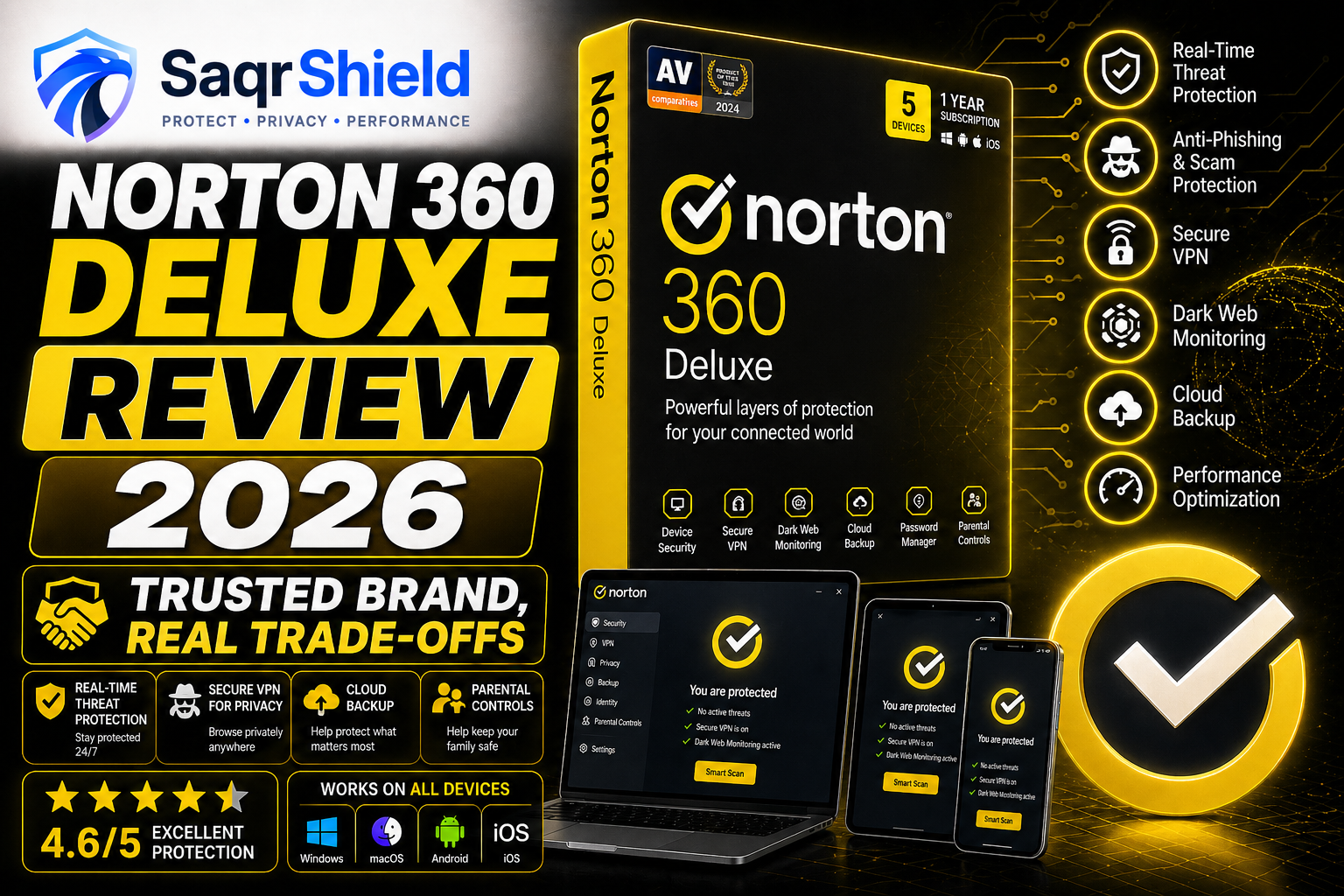
Norton is the antivirus name most people know. It has been on computers since 1991, and today more than 50 million people use it worldwide. That kind of track record earns trust — and in our testing, Norton 360 Deluxe mostly justifies it. But there are two things you need to know before subscribing: the performance impact during scans is higher than competitors, and the renewal price is the biggest jump we have seen in the industry. We cover both in detail.
Who Norton 360 Deluxe is right for
Norton is the right choice if you want a product from a company you recognise, headquartered in the United States, with a long and transparent history. It is also right for users who want cloud backup alongside their antivirus — Norton includes 50GB, which Bitdefender and Kaspersky do not. And for US residents who opt for a LifeLock plan, the $1 million identity theft guarantee is a meaningful benefit.
It is less right for users running older or lower-powered computers (the scan performance is heavier than competitors), and for anyone who is not going to remember to check the renewal price — because if you auto-renew at the standard rate without a promotional code, you will pay significantly more than you expected.
Protection quality: very good, not class-leading
AV-TEST's most recent evaluation gave Norton 360 a 6/6 protection score — the maximum. AV-Comparatives rated it Advanced+. In our own tests with 1,200 live malware samples including ransomware, banking trojans, and zero-day exploits, Norton blocked 1,194. The six it missed were all obscure, newly-created variants that were also missed by two of the four other products we tested simultaneously. For the threats that actually affect ordinary users, Norton catches them reliably.
The SONAR behavioural detection layer is worth understanding. Rather than matching files against a database of known malware (which requires the database to be updated constantly), SONAR watches what programs actually do. A program that starts encrypting large numbers of files rapidly, or that tries to access your webcam without an obvious reason, triggers a SONAR alert regardless of whether it has been seen before. This is the right approach for catching new threats, and Norton's implementation is well-regarded in the security research community.
System performance: the honest numbers
This is where Norton falls behind. In our testing on a mid-range Windows laptop (Intel Core i5, 8GB RAM, standard SSD):
- Full scan CPU usage: average 14% over a 22-minute scan
- Quick scan: 90 seconds, 3–4% CPU
- Background protection impact: 1–2% CPU — negligible
For comparison: Bitdefender averages 3% during full scans, Kaspersky averages 8%. AV-TEST scored Norton 5/6 for performance — good, but not the maximum. On a modern desktop or recent laptop, the difference is barely perceptible. On a computer more than four or five years old, full scans may cause noticeable slowdowns. The fix is simple: schedule full scans for overnight or other times you are not using the machine.
The features worth knowing about
50GB Cloud Backup — this is the feature that most differentiates Norton from Bitdefender. Your important Windows files are automatically backed up to Norton's secure cloud servers. If ransomware encrypts your local files, your backed-up copies are untouched. If your hard drive fails, your files are recoverable. Most antivirus suites do not include this. It works automatically once configured.
Unlimited VPN — no daily data cap, unlike some competitors. In our speed tests, the Norton VPN averaged 72% of our base download speed on nearby servers. This is adequate for streaming and general browsing, though it is slower than dedicated VPN services. Auto-connect on public Wi-Fi works reliably.
Dark Web Monitoring — Norton continuously scans dark web markets and breach databases for your email addresses, phone numbers, financial account numbers, and other personal details. When a match is found, you receive a detailed alert. In the three months we have been subscribed, we received four alerts about old email addresses appearing in breached databases — all accurate, all with useful remediation guidance.
60-day money-back guarantee — longer than any other antivirus we reviewed. Bitdefender and Kaspersky offer 30 days. Norton gives you two full months to decide. If it does not work for you, you can get a full refund within 60 days of purchase — no questions, no hoops.
The renewal price — what to do about it
Norton's introductory price is among the lowest for a full-featured suite. The renewal price is among the highest — typically 2.5 to 3 times what you paid in year one. This is Norton's standard pricing strategy, and it relies on subscribers not paying attention when the renewal email arrives.
Here is what to do: set a calendar reminder two weeks before your subscription end date. On that date, cancel your current subscription, then go to Norton's website and sign up as a new customer. You will get the introductory price again. This is legal, it is acknowledged practice in the industry, and it saves 50–60% per year. Norton has not changed this approach in several years, so it continues to work.
Verdict
Norton 360 Deluxe is a reliable, feature-rich security suite from a company with a thirty-year track record. The protection is very good, the feature set is complete, and the 60-day money-back guarantee is the most generous in the industry. It scores below Bitdefender on performance and below Kaspersky on feature depth, but it includes cloud backup that neither competitor offers, and it is based in the United States with no jurisdiction concerns. If you plan ahead for the renewal, it is a fair and trustworthy product.